
VPN for Debian
Debian 12 and later get a .deb package. Install it with apt, and it adds NetworkManager to the system if it isn’t there yet.
- Debian 12 and newer, x86-64
- version 1.21.0
- 83.5 MB
- built on October 18, 2026
Admin rights with sudo or su
The package installs with administrator rights. If you left the root password empty when installing Debian, your account can already use sudo, and the command below works as written.
If you did set a root password, sudo probably isn’t configured. In that case, run su -, enter the root password, and drop “sudo” from the command, giving the full path to the file instead, such as /home/ivan/Downloads/VanyaVPN.deb.
How to install the package
-
Save the file
The download button above saves VanyaVPN.deb in your Downloads folder.
-
Install it with apt
Open a terminal and run the command. Use apt rather than dpkg, because apt also fetches everything the app depends on.
sudo apt install ~/Downloads/VanyaVPN.deb -
Launch VanyaVPN
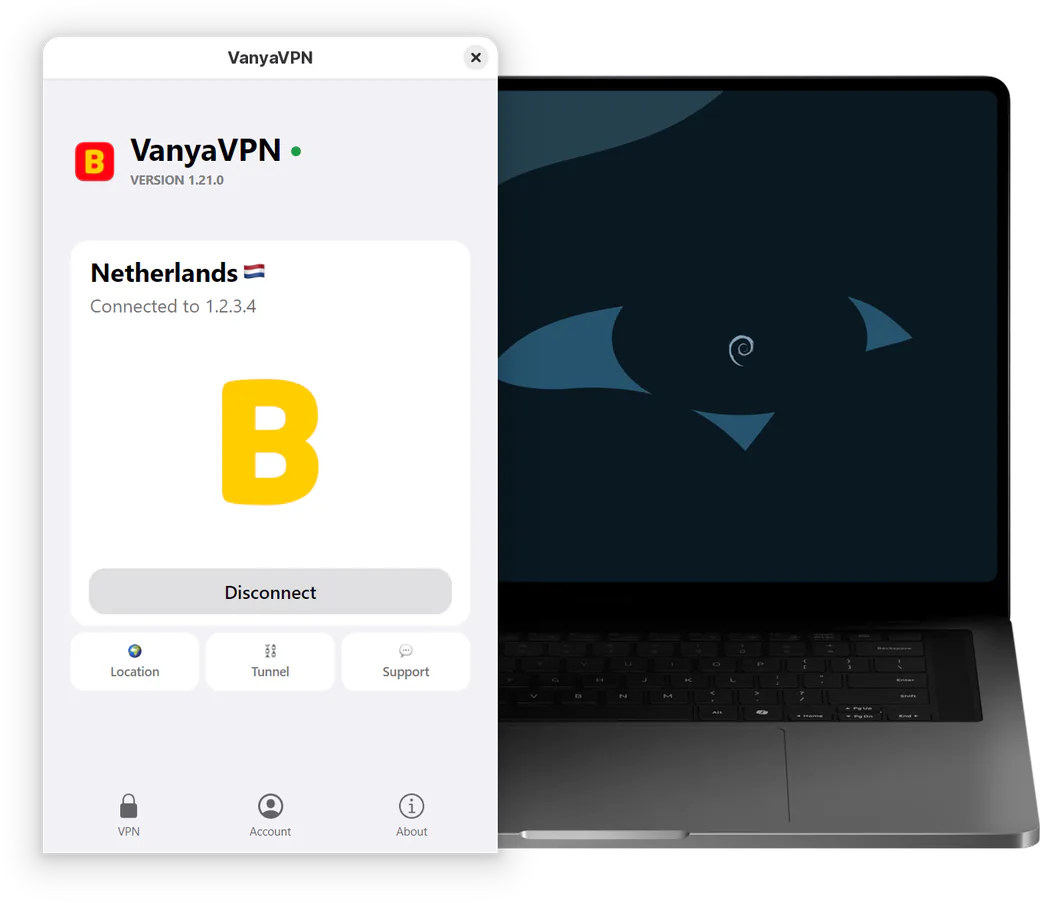
You’ll find the app in your applications menu. After you sign in, Connect starts the VPN and Location changes the country.
VPN for Debian, in short
Where does the icon go when I close the window?
KDE Plasma and Xfce show it in the tray right away. On GNOME, the tray comes from the AppIndicator extension. Install the gnome-shell-extension-appindicator package, run gnome-extensions enable [email protected], then log out and back in.
Can I use the AppImage instead?
Yes, its link is under the button. Install FUSE 2 first, which is libfuse2t64 on Debian 13 and libfuse2 on Debian 12. Next, give the file permission to run with chmod +x and start it. On the first connection, the app asks for a password so it can set up its VPN adapter.
Does Debian 11 work?
You need Debian 12 or later. Older releases aren’t supported.
How do I update or remove the app?
A new version installs with the same apt install command, on top of the current one. To uninstall, use sudo apt remove vanyavpn-client. Your sign-in and settings stay in ~/.config/VanyaVPN in case you reinstall later.
Choosing a plan
One account works in Debian and on your phone alike. Just sign in on each device.
-
2 years
-
Year
-
6 months
- Month No bonus months $5/mo

The “Vanechka” trial
3 days with every country for $0.50, once per account. After that it continues month to month, and you can turn renewal off in your account.
If it does not work for you, we refund the payment under our refund policy.